Xello 6-12
 1 minute
To review the content and see what your students see when completing Xello Lessons, you can explore all available lessons from your student demo account.
 FYI: Need a reminder on how to access and log in to your Demo student account? Check out Access your demo account.
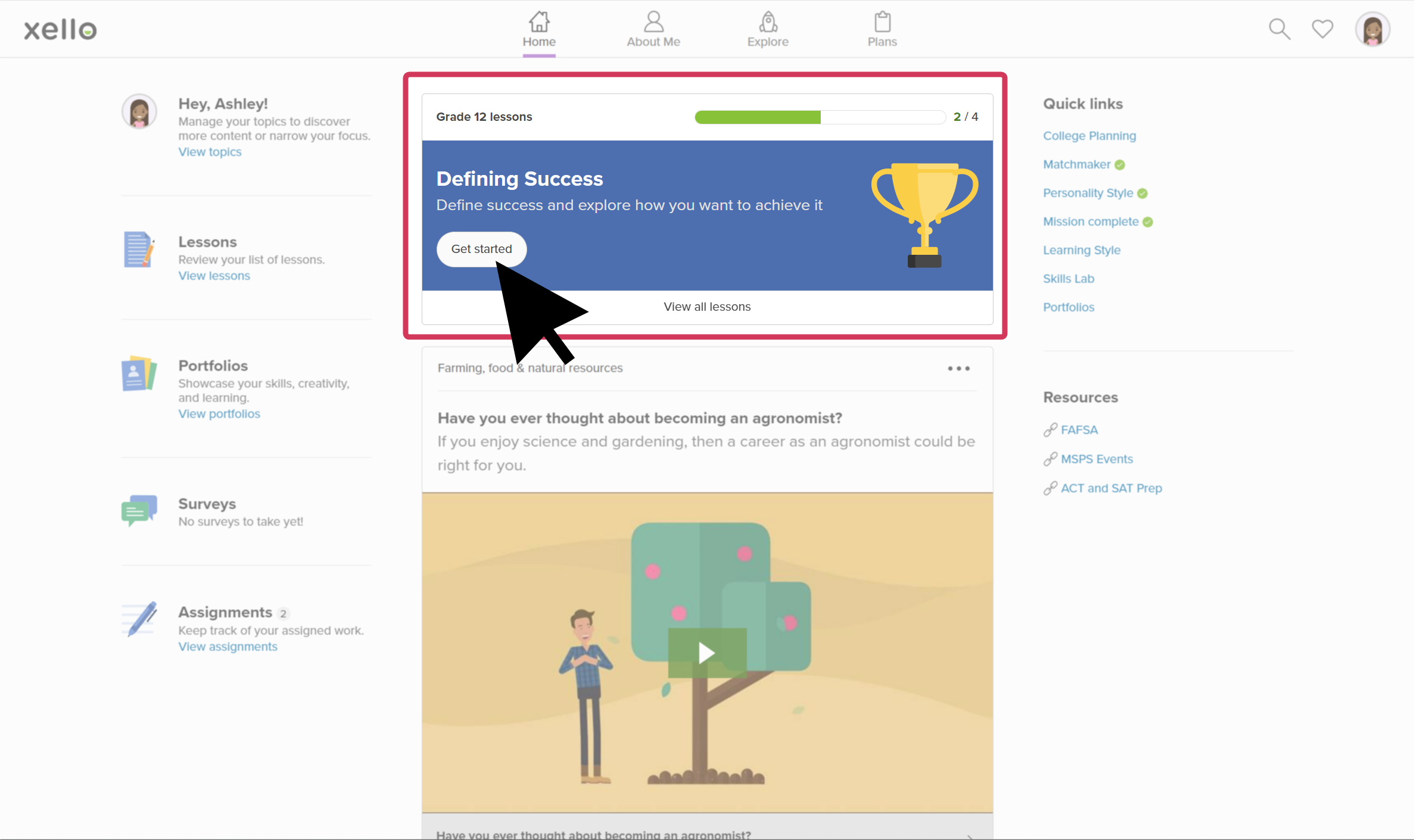
Once in your student demo account, to access Lessons:
- Open Home and click Lessons to view all lessons.
 Click to enlarge
- Click a lesson to start experiencing it as one of your students would: make selections, learn about careers, provide reflection answers, but make sure you have the prerequisites done first!
- Don't know about the prerequisites for Lessons? Check out Lesson prerequisites for students to learn more.